The future of .NET UI
Build cross-platform desktop, mobile, and web apps with shared XAML and C#, trusted by teams at Unity, JetBrains, and NASA
Framework
A cross-platform UI framework built on .NET
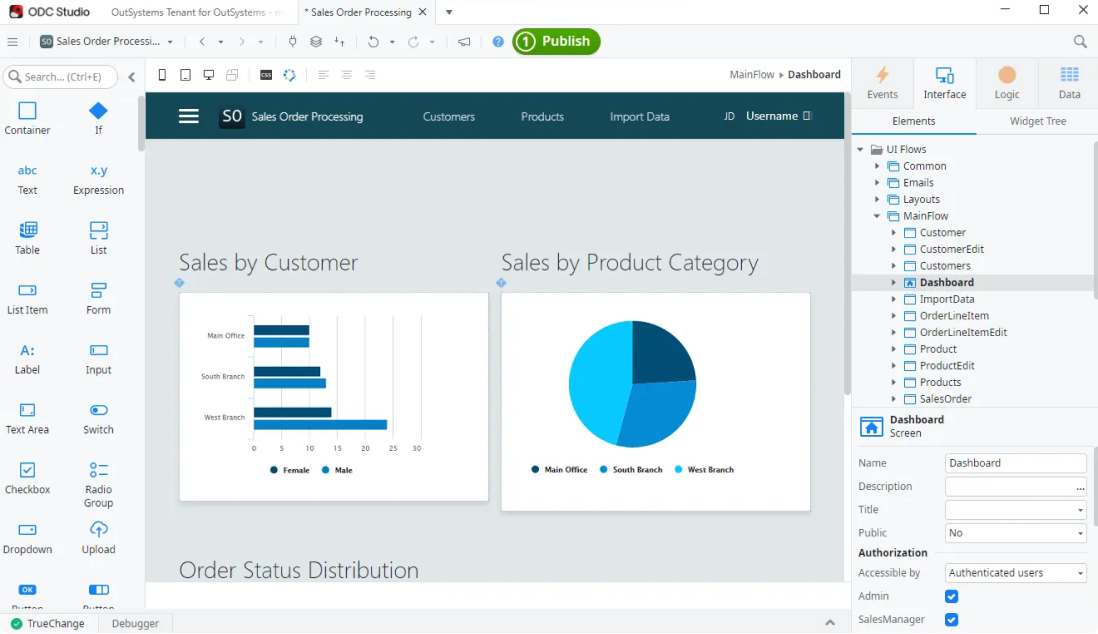
Avalonia uses XAML for layout, C# for logic, and MVVM for structure. If your team already builds with WPF, WinUI, or other .NET UI stacks, the patterns and skills transfer directly.
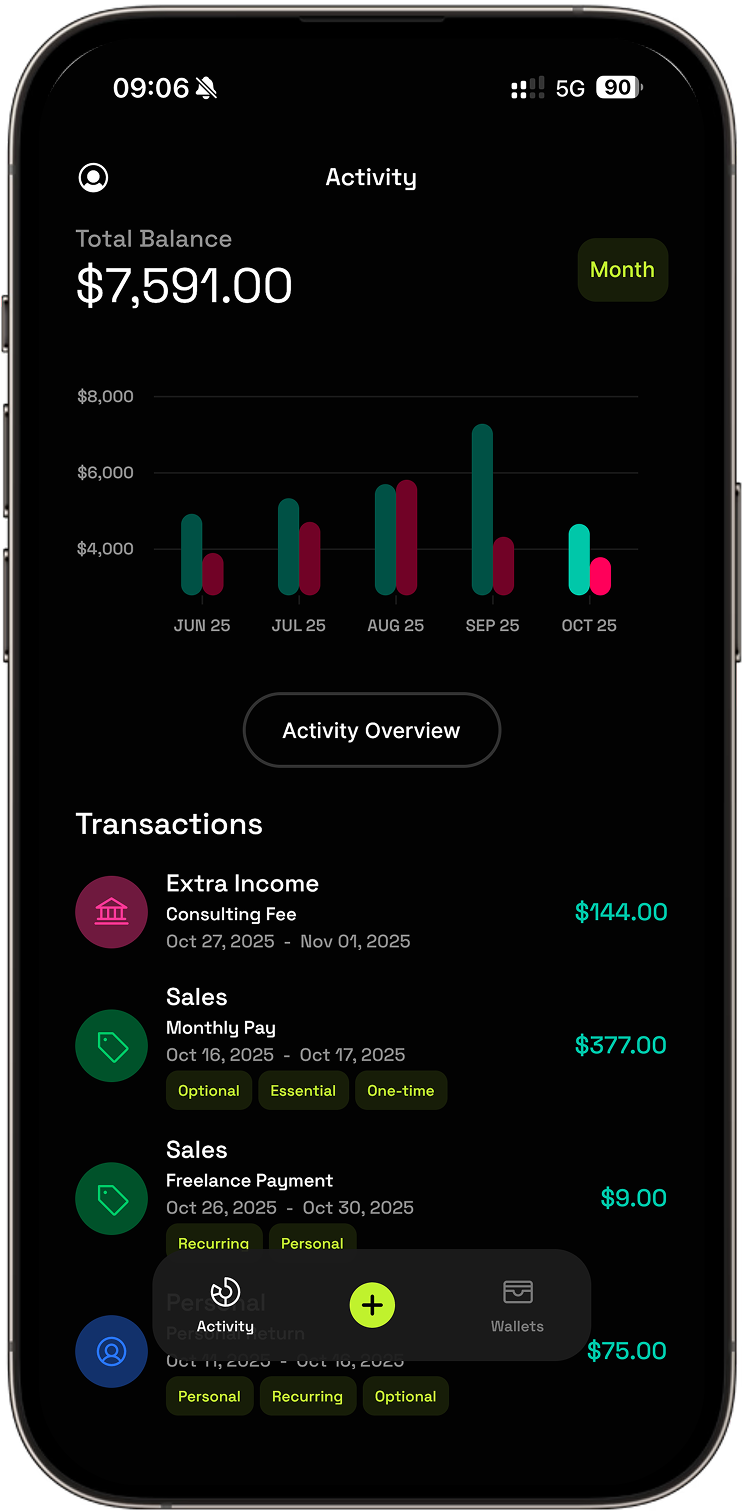
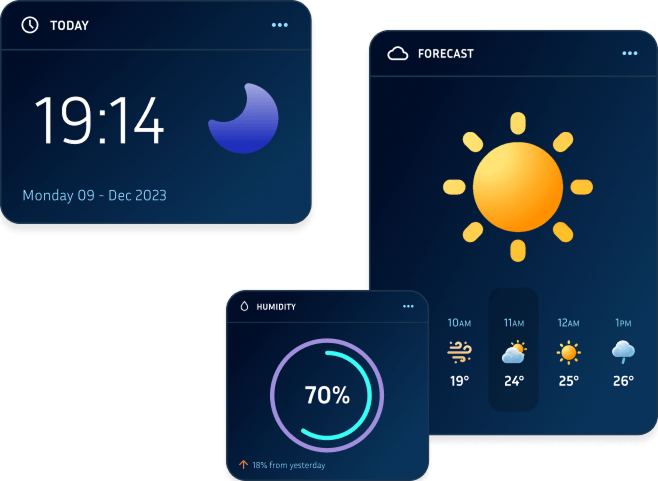
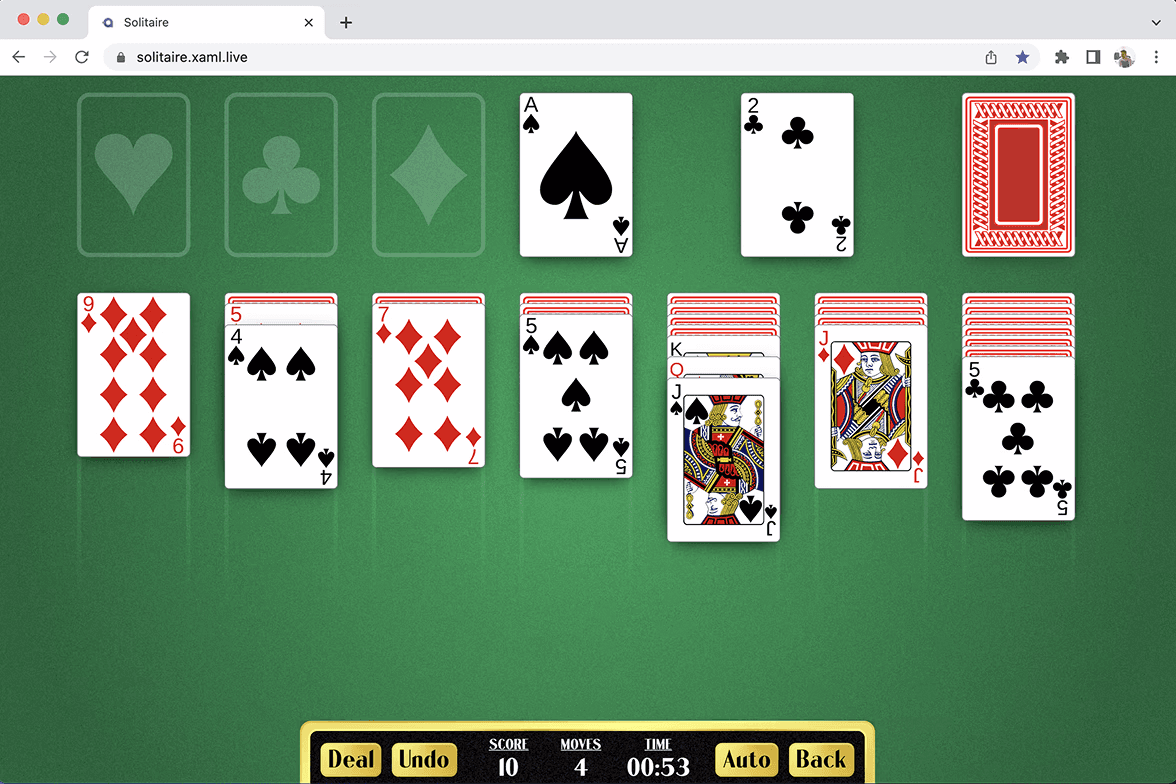
Unlike frameworks that wrap native controls, Avalonia draws its own UI with Skia, giving you pixel-identical rendering on every target. One codebase produces native applications for desktop, mobile, and web without platform-specific workarounds.
Trusted by .NET teams around the world
MIT licensed
Built on open source, trusted in production
Avalonia is used in production by teams at organisations including Autodesk, JetBrains, and Devolutions. The framework is MIT-licensed and commercially backed by AvaloniaUI: the engineers who build it support it directly through Avalonia Enterprise. It’s maintained with a growing open-source community, with contributions from Microsoft, JetBrains, Stripe, and Avanade.
Contributions from



Frame pace stream
Each dot is a rendered frame. Horizontal position = render time.
Rendering
Skia by default, partnered with Google on Impeller
Avalonia ships with Skia as the default rendering backend, delivering consistent visual fidelity across all platforms. Working in partnership with Google’s Flutter engineering team, we’re bringing Impeller to Avalonia. Impeller uses precompiled shaders and a hardware-accelerated pipeline to eliminate jank and reduce frame times on GPU-intensive workloads.
Performance
Rendering that scales to massive visual trees
Avalonia 12.0 delivers up to 1,867% increase in FPS on complex layouts, tested against scenes with 350,000 unique visual elements. These gains are the result of significant investment in the rendering pipeline, including deferred composition and optimised dirty-rect tracking.

“Avalonia gives us the performance and flexibility to build robust, cross-platform PAM solutions without compromise.”
David Hervieux
CEO

Strategic
Extend your .NET investment across every platform
Your team’s XAML, C#, and MVVM skills carry directly into Avalonia. If you’re building with WPF, WinForms, or WinUI today, Avalonia gives you a path to a single codebase across Windows, macOS, Linux, mobile, and WebAssembly without discarding what you’ve already built.
Dedicated migration guides for WPF and WinForms map the specific differences, and Avalonia XPF provides binary compatibility for teams that need to run existing WPF applications on new platforms before a full port.
WinForms
Windows Only
WPF
Windows Only
WinUI
Windows Only
Avalonia
One XAML codebase
Cross-platform WPF,
built for enterprise.
XPF brings high WPF compatibility to every platform, so you can run most of your existing .NET desktop apps on Windows, macOS, Linux, iOS, Android, and WebAssembly with GPU-accelerated rendering and pixel-perfect fidelity.
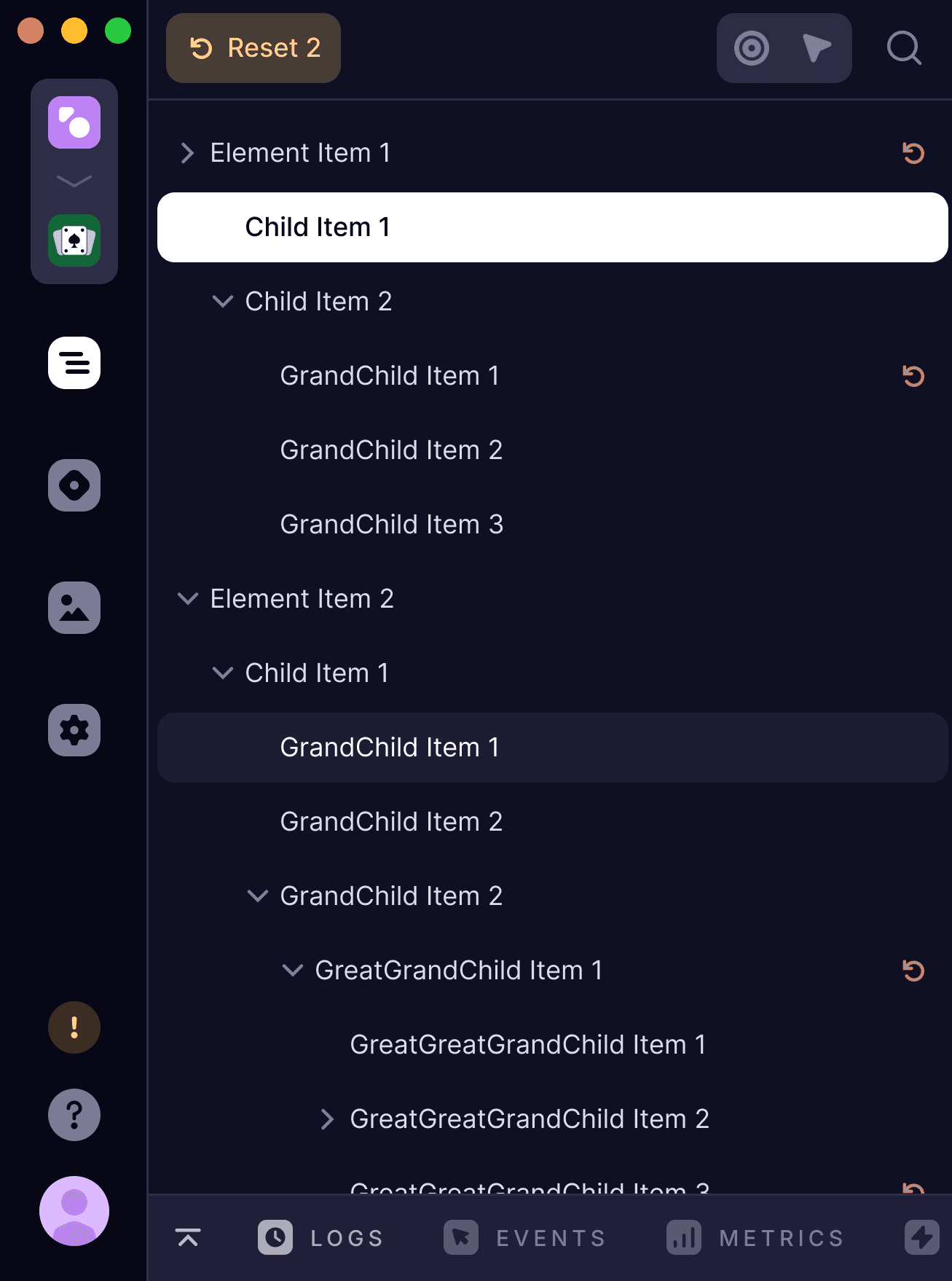
Tooling & components
Ship faster with professional tooling
IDE extensions, production-grade UI components, and AI-assisted development for .NET teams building with Avalonia.
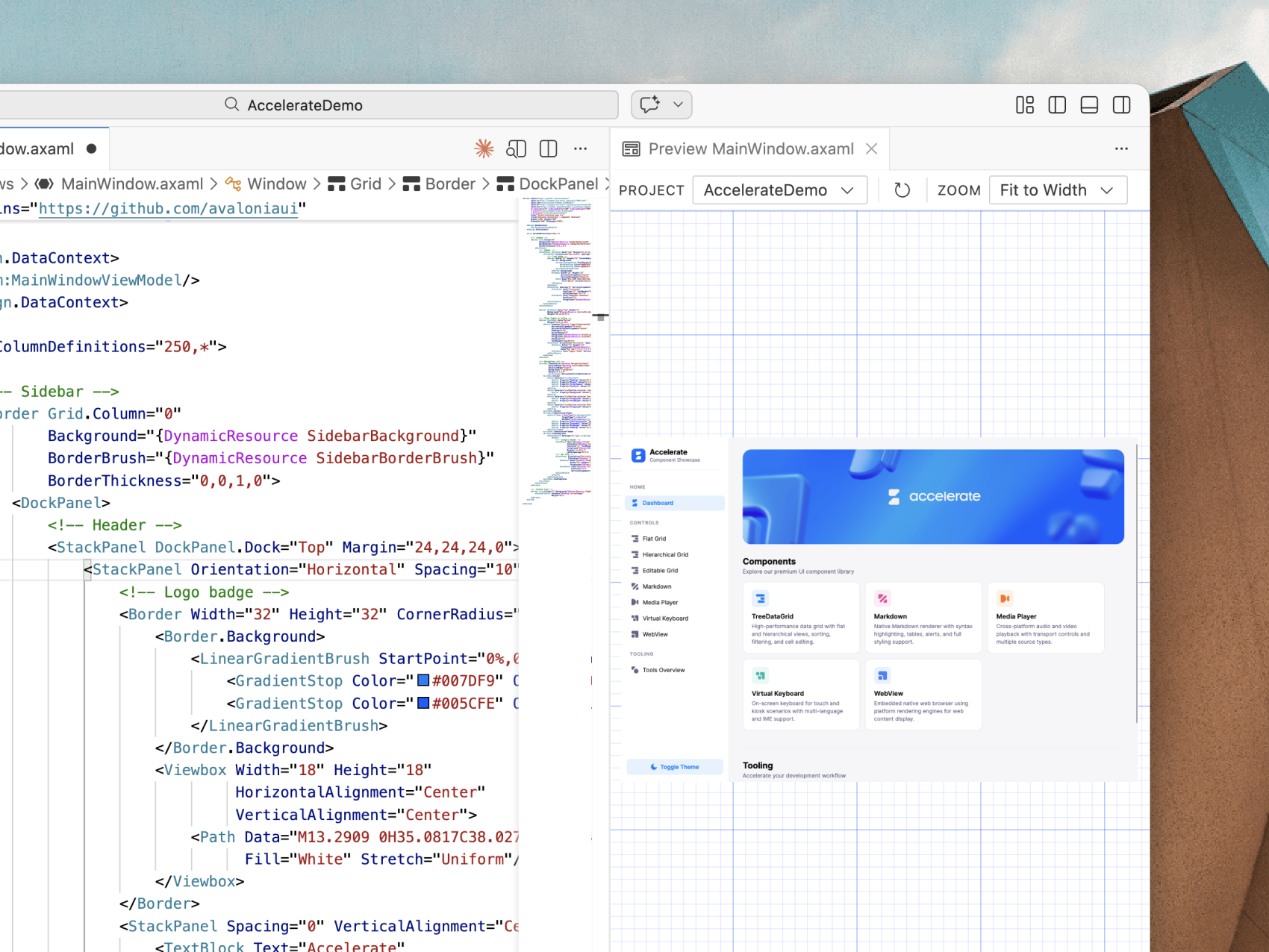
Developer experience
Professional tooling
The Avalonia for VS Code extension is free and fully featured: no account required, no limitations. Get XAML previewing, IntelliSense, and project templates out of the box.
Visual Studio, Dev Tools for runtime inspection, and Parcel for one-click packaging complete the toolchain. Hot Reload and XAML diagnostics work across all target platforms.
Components
A complete suite of UI controls
Avalonia ships with 70+ free, open-source controls covering everything from buttons, tabs, and menus through to complex controls like navigation, data grids, and a cross-platform WebView.
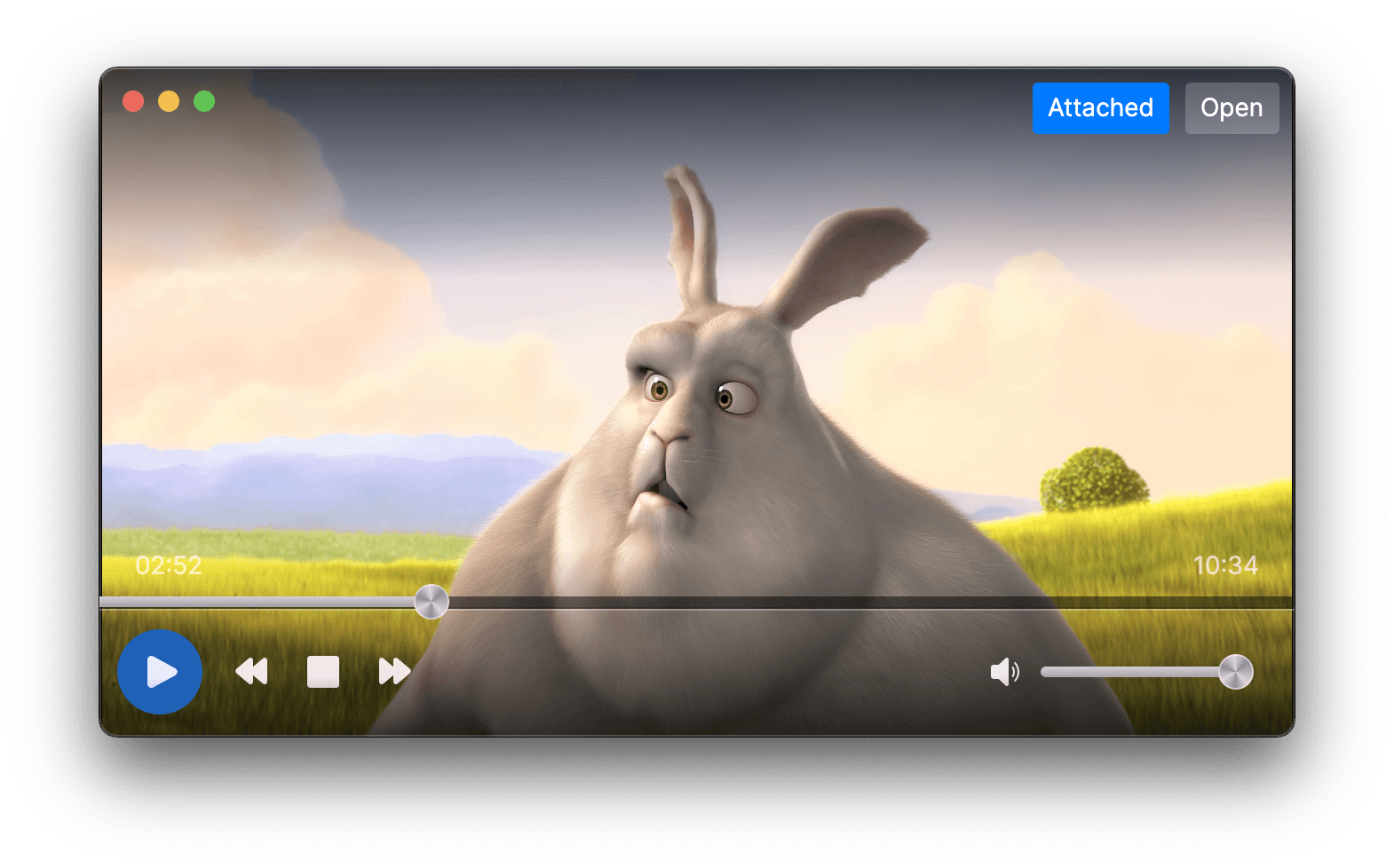
Avalonia Pro adds 7 premium controls, including a PDF viewer, media player, virtual keyboard, rich text editor and markdown viewer, plus 70+ chart types for data visualisation. From essentials to enterprise, the full stack is covered.


AI-ready development
Give AI agents direct access to your Avalonia UI through the Model Context Protocol (MCP). Works with VS Code, Claude Code, GitHub Copilot CLI, and Codex.
- Generate pixel-perfect XAML from screenshots or design specs
- Inspect and modify live UI properties at runtime
- Navigate visual and logical element trees for contextual debugging
- Capture screenshots of any element to verify layout changes
Implement UIs from screenshots
Provide a screenshot or mockup. Your AI agent inspects the live visual tree via MCP and generates production-ready XAML that matches the design.
Chat with AI that understands your app
AI agents read your live UI properties, styles, and application state in real time. Guidance is specific to your project, not generic documentation.
Quick start guide
Create and run your first Avalonia app in three commands. Your app opens on screen after the final step.
Prerequisite: .NET 8 SDK or later. Download .NET
Get started
One codebase. Every platform.
Avalonia is a free, open-source .NET UI framework. Use the XAML and C# skills your team already has to ship production apps across desktop, mobile, and web.


